Table of Contents
- User Guide
- Getting Started
- General Concepts
- Getting Help
- Requesting a Feature
- Frequently Asked Questions
- Videos for Learning TroopTrack
- Plan
- Planning an Event
- Tracking Attendance
- Attendance Reports
- Hours, Miles, and Nights
- Agenda View
- Year at a Glance
- RSVP'ing for an Event
- Import your unit's calendar to Google Calendar
- Importing Your Unit Calendar into the Mac OS Calendar App
- Event Integrated Accounting
- Manage
- Registering Members
- Controlling Access and Privileges
- Organizing Family Members
- Creating Patrols/Dens
- Managing Equipment
- Managing a Library
- Canned Reports
- Creating Custom Reports
- Unit Settings
- Money Account Basics
- User Accounts
- Managing Training
- How do I reset a user's password?
- Fundraisers
- Accept Payments Through TroopTrack
- Communicate
- Achieve
- Bulk Entry of Award Progress
- Individual Entry
- Creating a Custom Award
- Planning for a Meeting or Court of Honor
- Share
- Sharing Photos
- Creating a Web Site (Public and Private)
- Sharing Links
- Sharing Documents
- Automatic Monthly Newsletter
- Frequently Asked Questions
Registering Members
Registering a new member in your troop is simple and there are a couple of ways to do so.
For leaders who are already registered see below under Registering Boys in the Same Household as an Existing Leader or click here.
For registering new families and leaders, read on!
Registering New Members
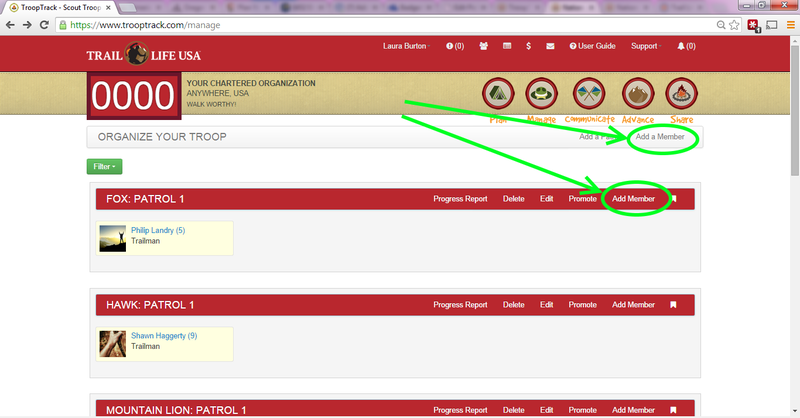
Like most things, you can get there using one of the badge buttons. Just click on the Manage badge then select Add a Member as shown below.
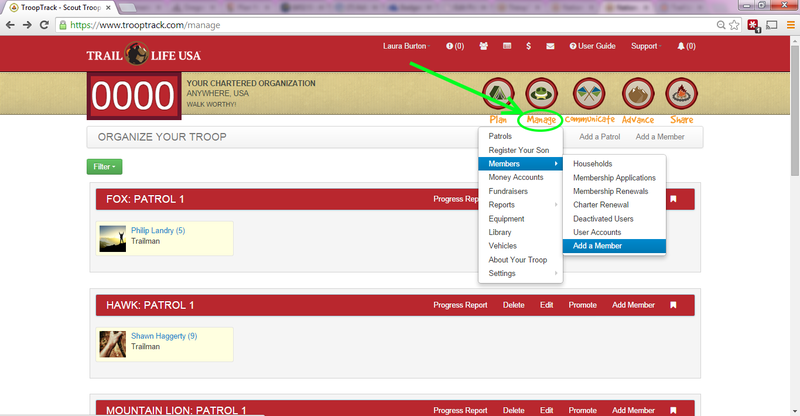
Another quick way is to select the Add Member button on the Patrols page.
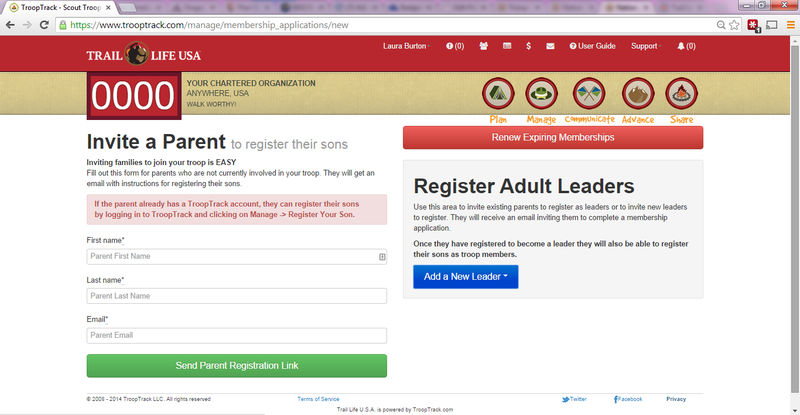
The Add Member Form
Here's what the form looks like. You can invite a parent to register their sons or you can register new adult leaders.
Registering Boys in the Same Household as an Existing Leader
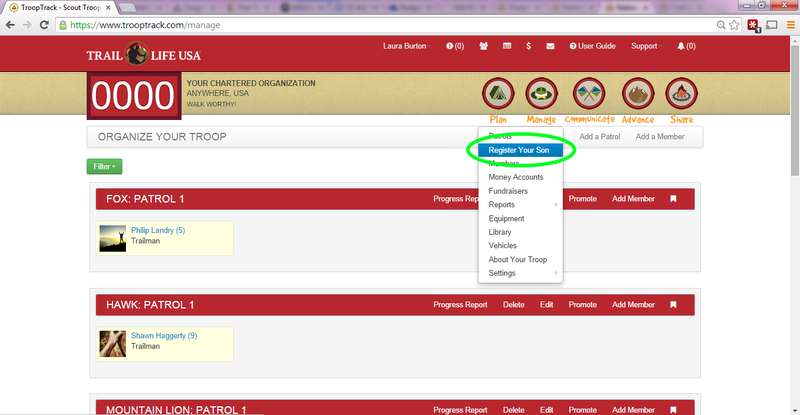
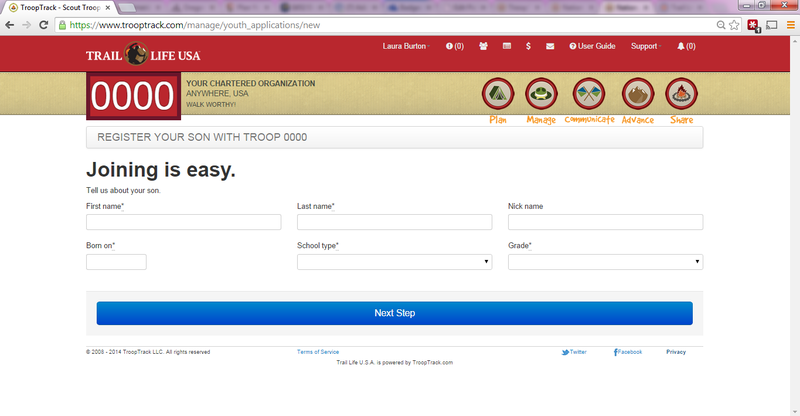
Leaders who are already registered can register their boys by clicking on the Manage badge then Register Your Son.
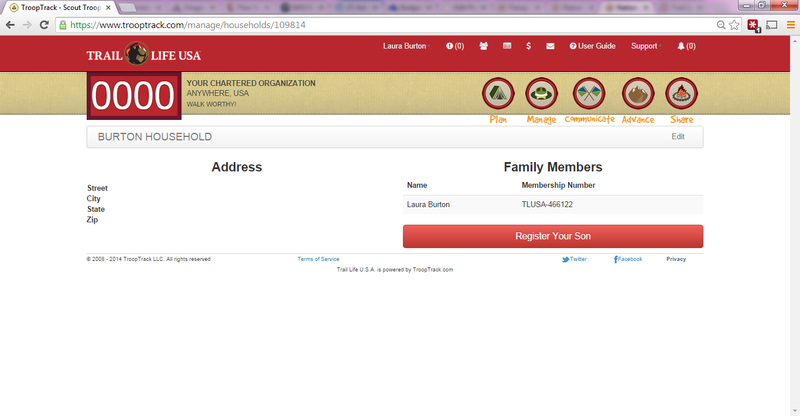
Click on the red button to register a son. After you are finished, you can repeat this process to register additional boys.
Enter the basic information about your son.
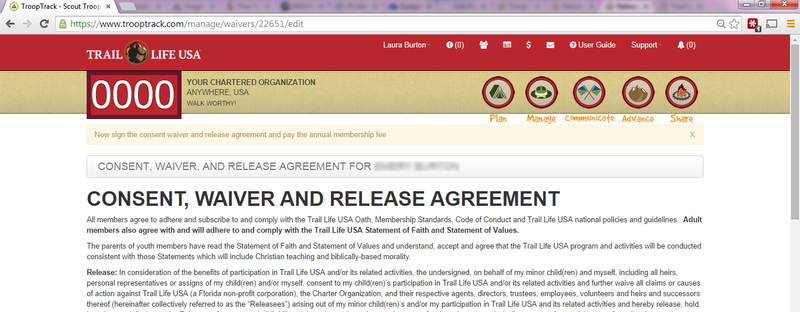
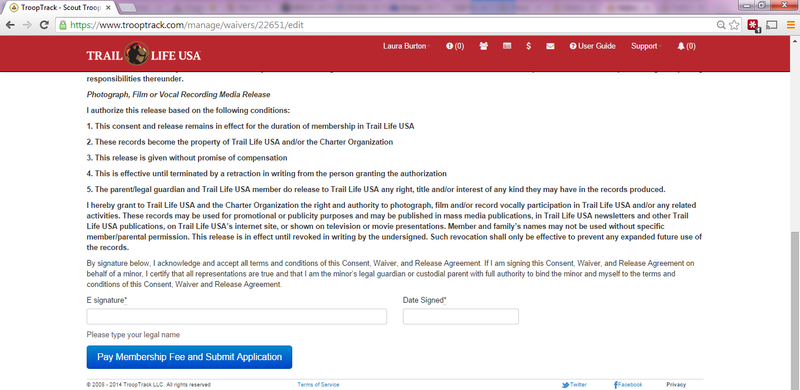
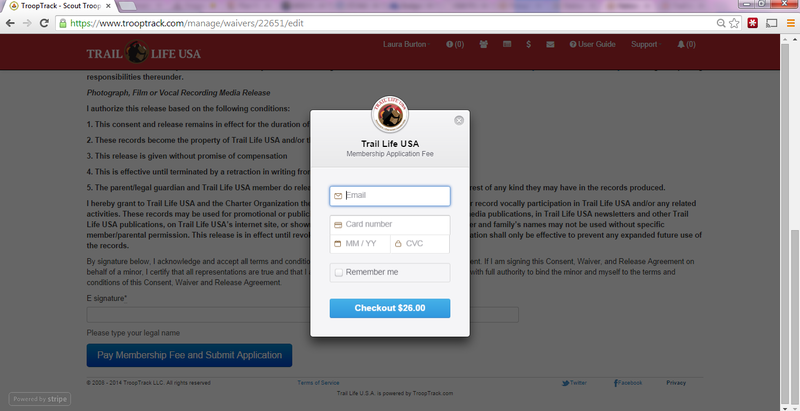
Sign the Consent, Waiver and Release Agreement and pay. That's all there is too it!